


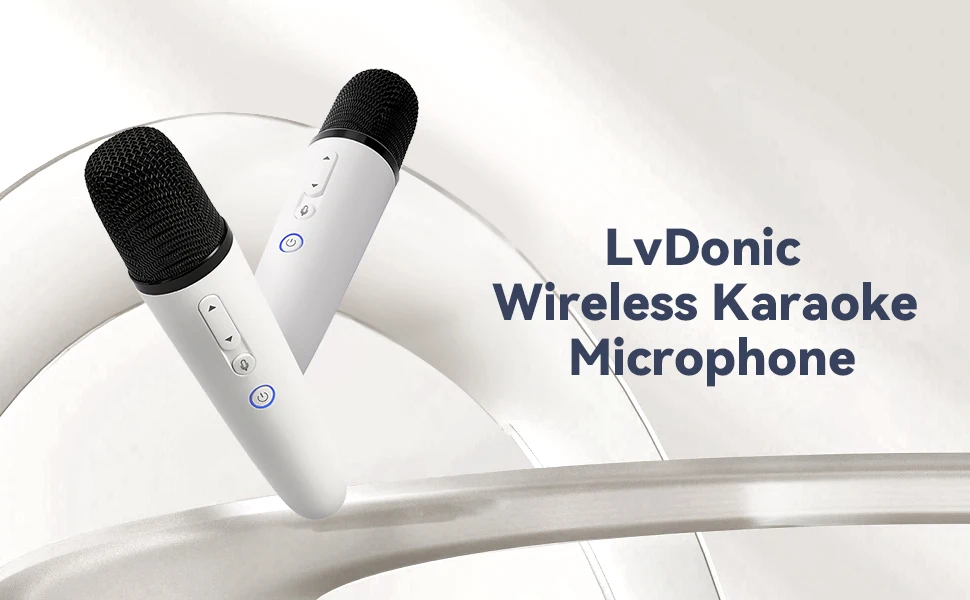
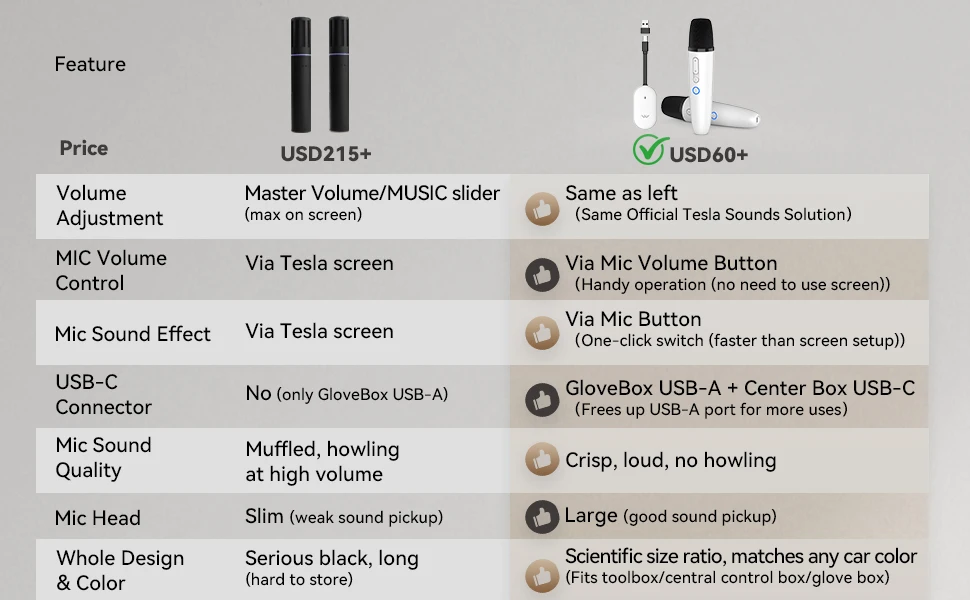
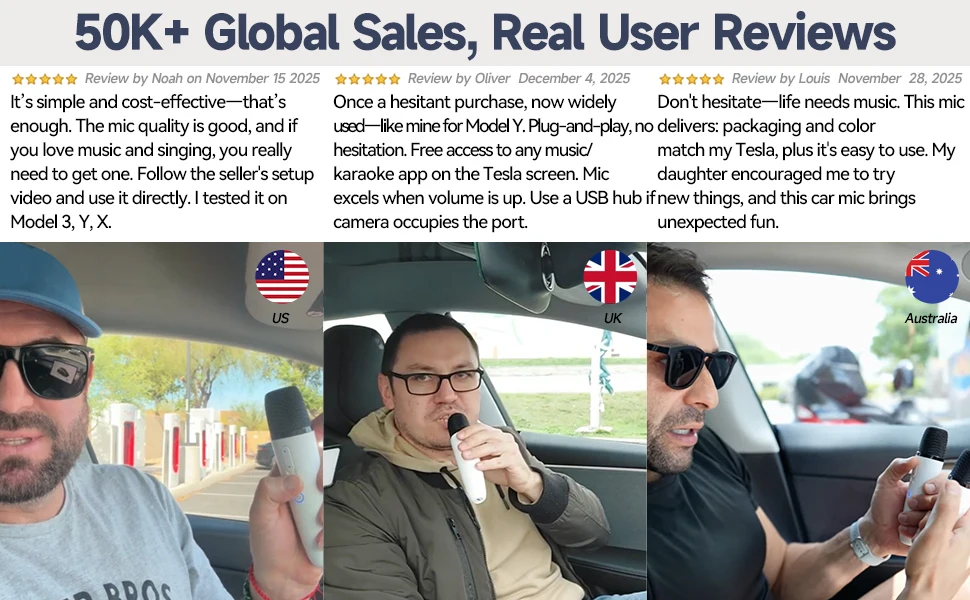
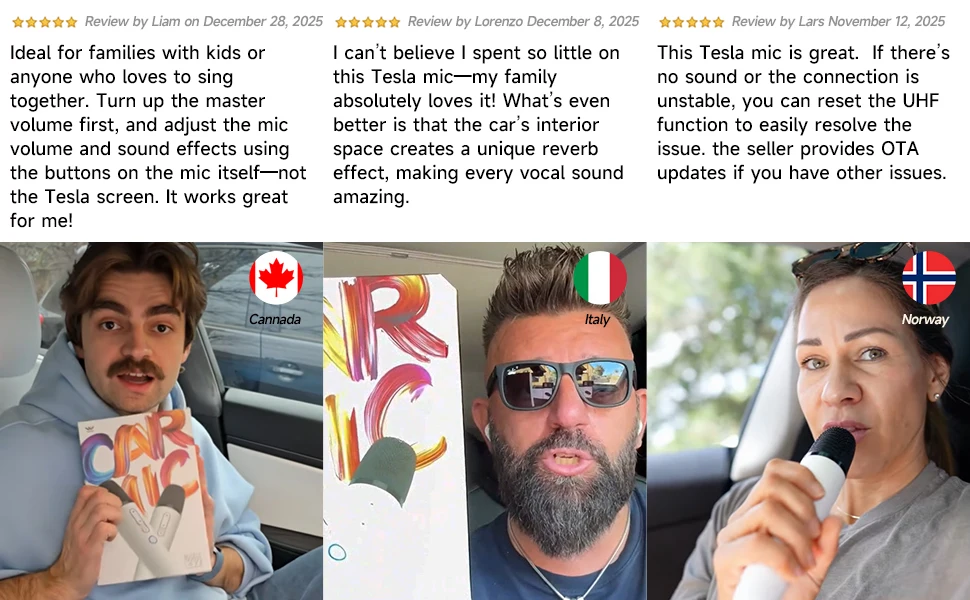
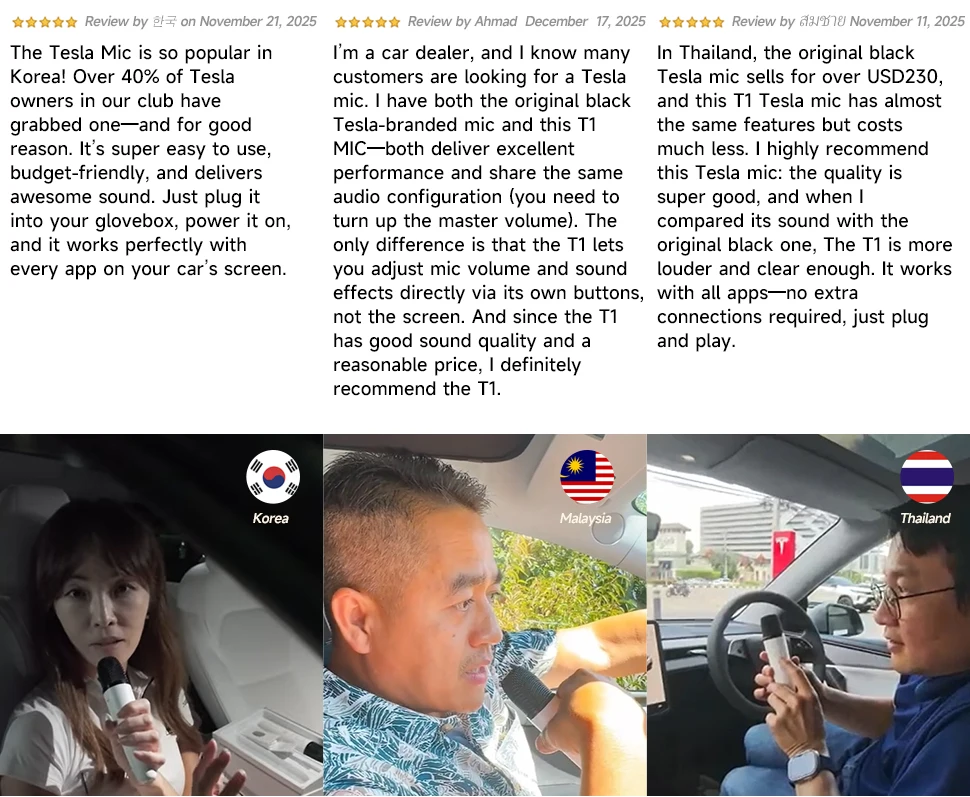
T1-테슬라 Car Karaoke Microphone, 테슬라 Rechargeable Caraoke Mic with USB-A & USB-C Receiver, Plug to Use,No Need Pair
SPECIFICATIONS
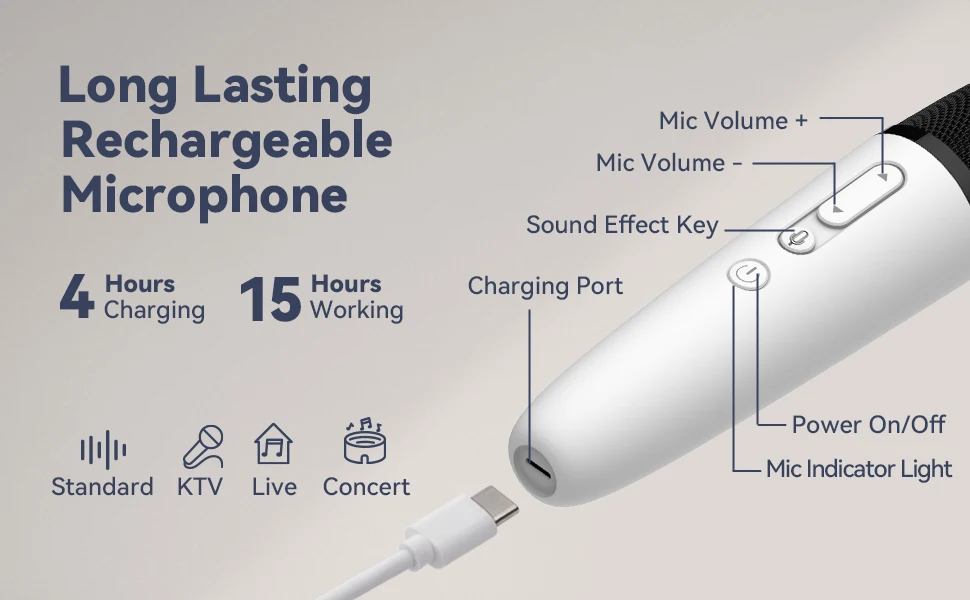
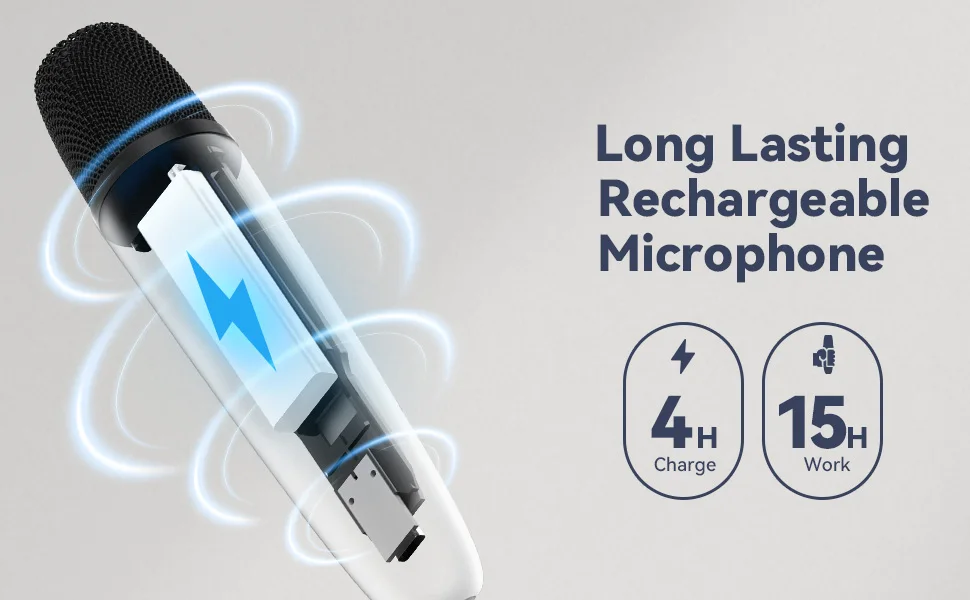
Battery Type: Lithium ion
Brand Name: LvDonic
Built-in Battery: Yes
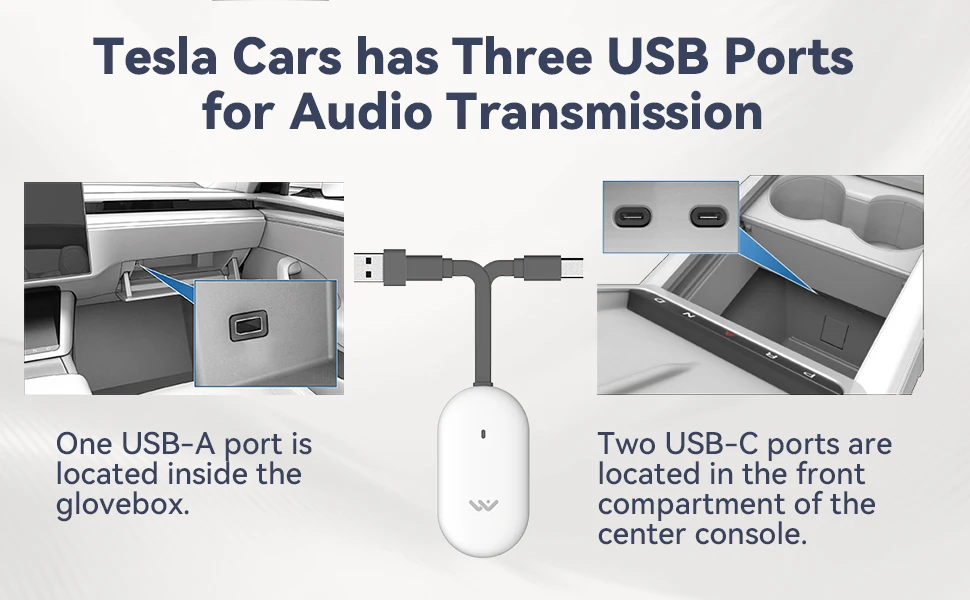
Communication: WireLess
Diaphragm: S-Mall
Enclosure material: Plastic
Frequency response: 50hz
High-concerned chemical: none
Origin: Mainland China
Package: Yes
Polar Patterns: Cardioid
Set Type: Transmitter Sets
Style: Handheld Microphone
Transducer: Dynamic Microphone
Use: Karaoke Microphone
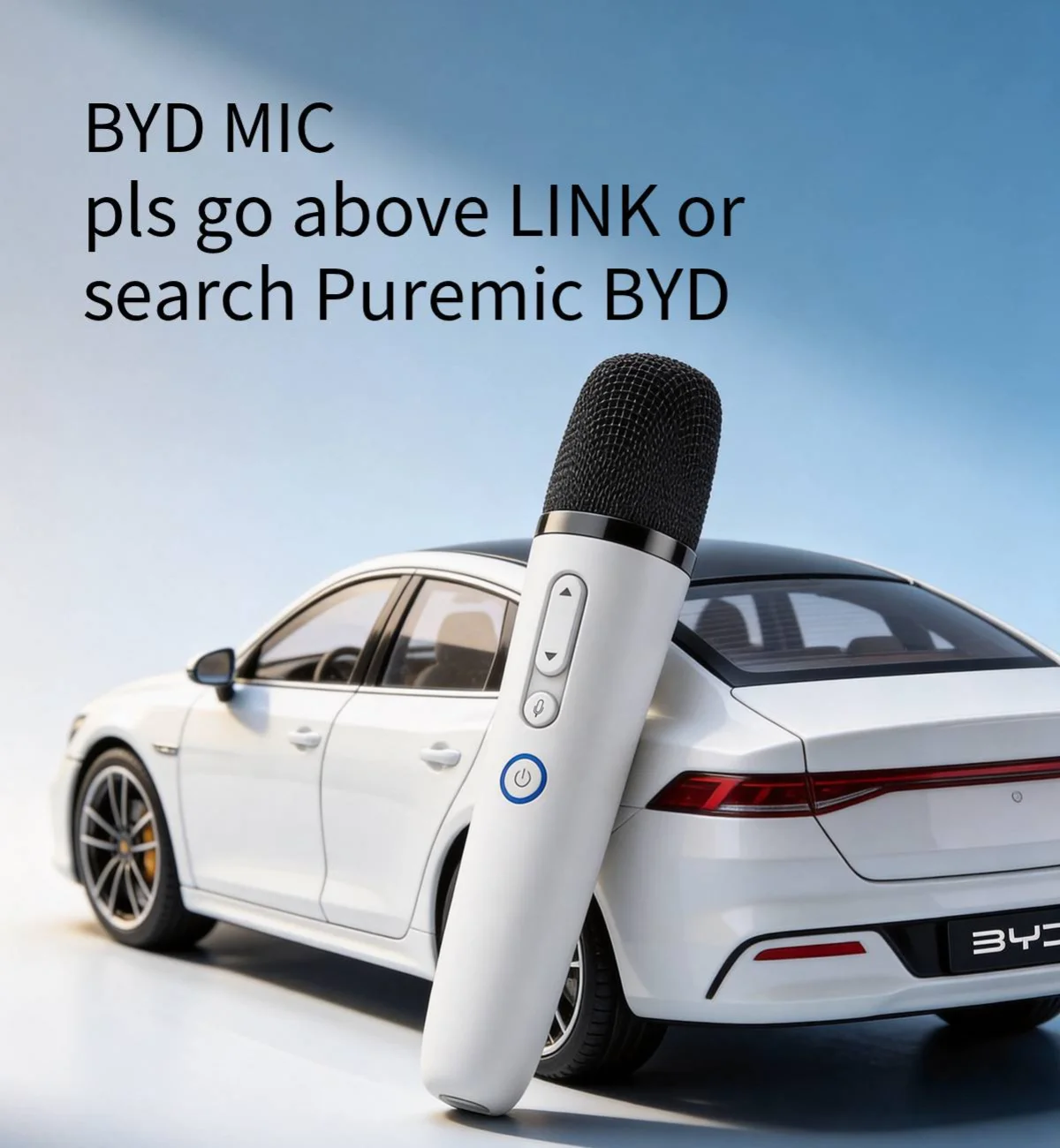
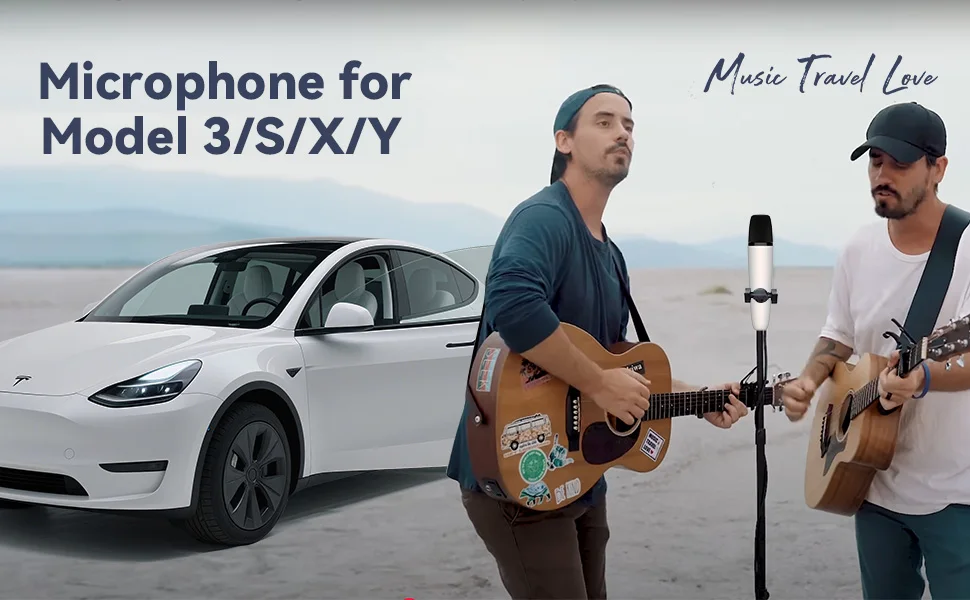
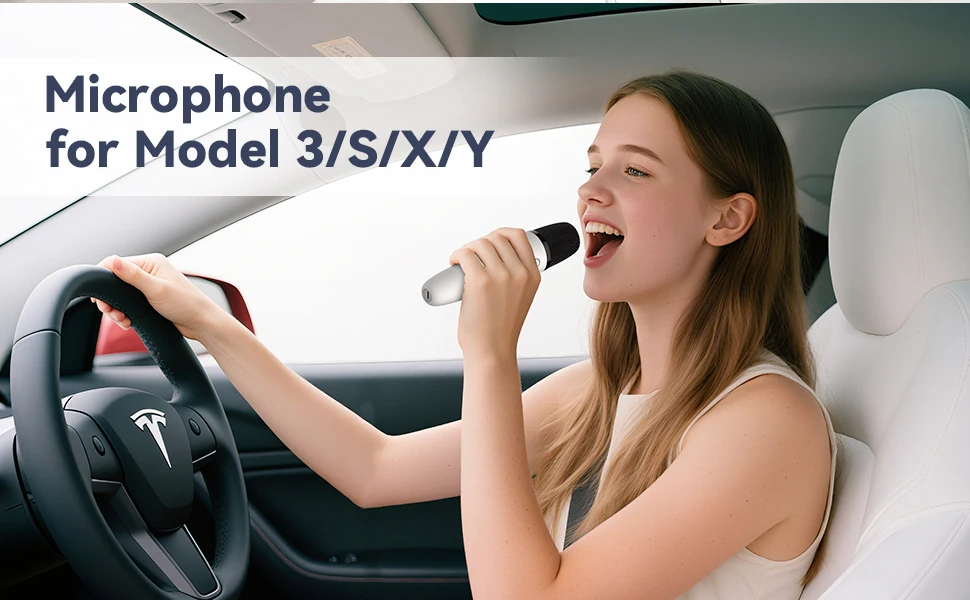
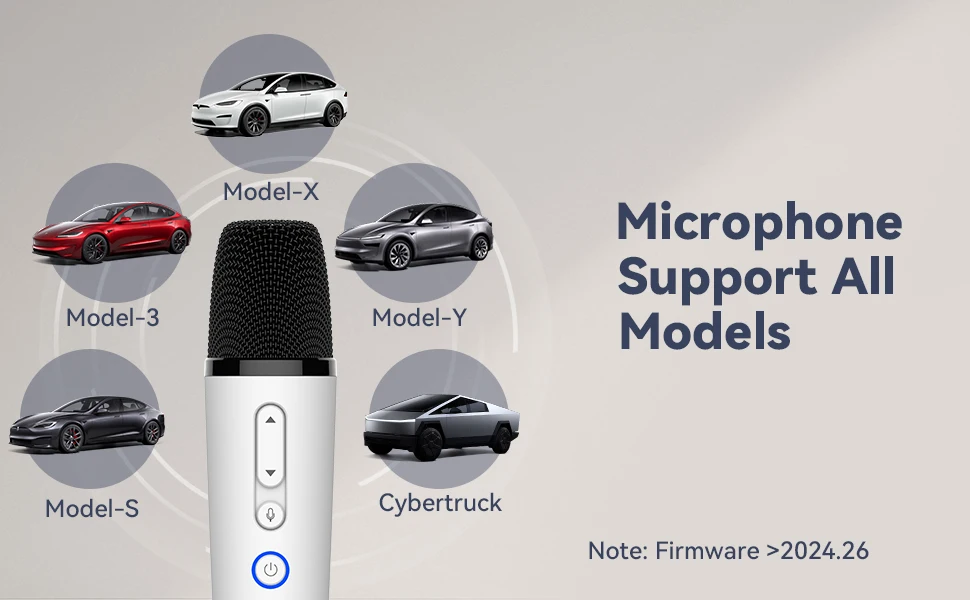
This microphone sold via this listing is only compatible with Tesla vehicles. If you need to purchase a microphone for BYD cars, please click the link below to buy::
https://www.aliexpress.com/item/1005006235481500.html?gatewayAdapt=glo2ita
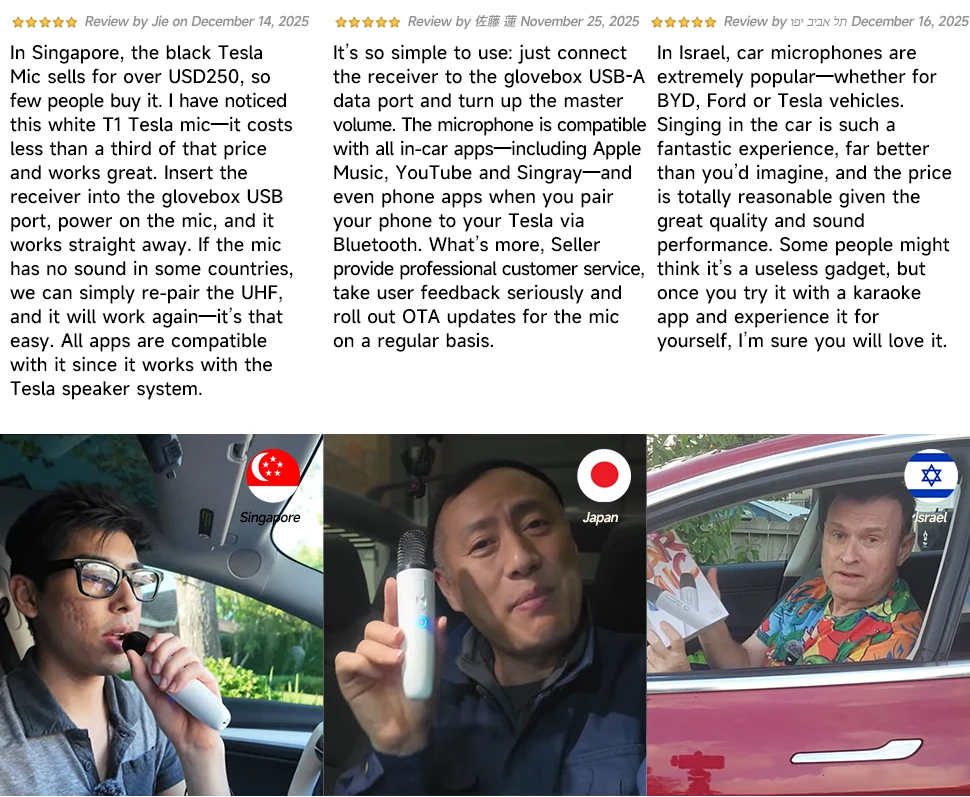
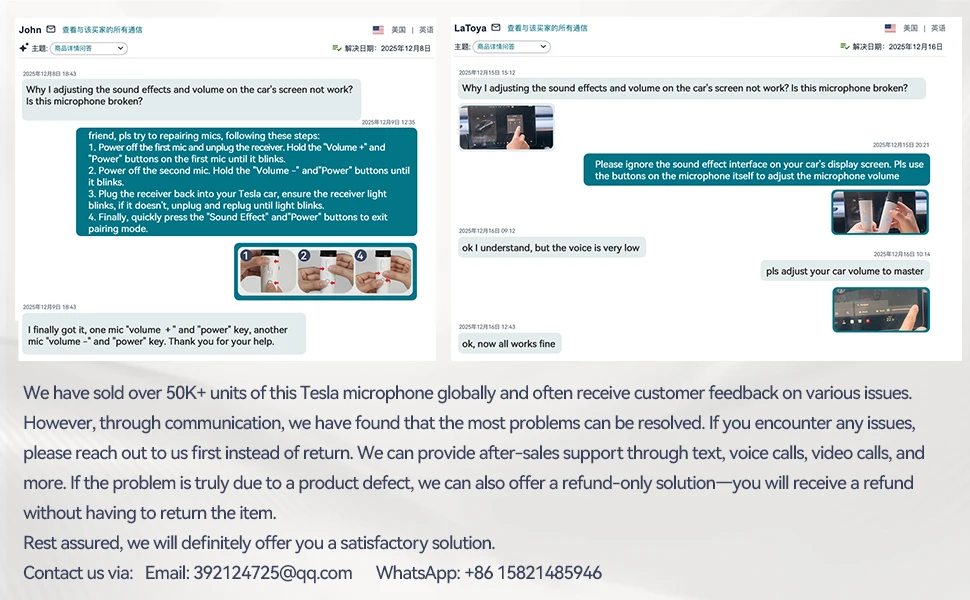
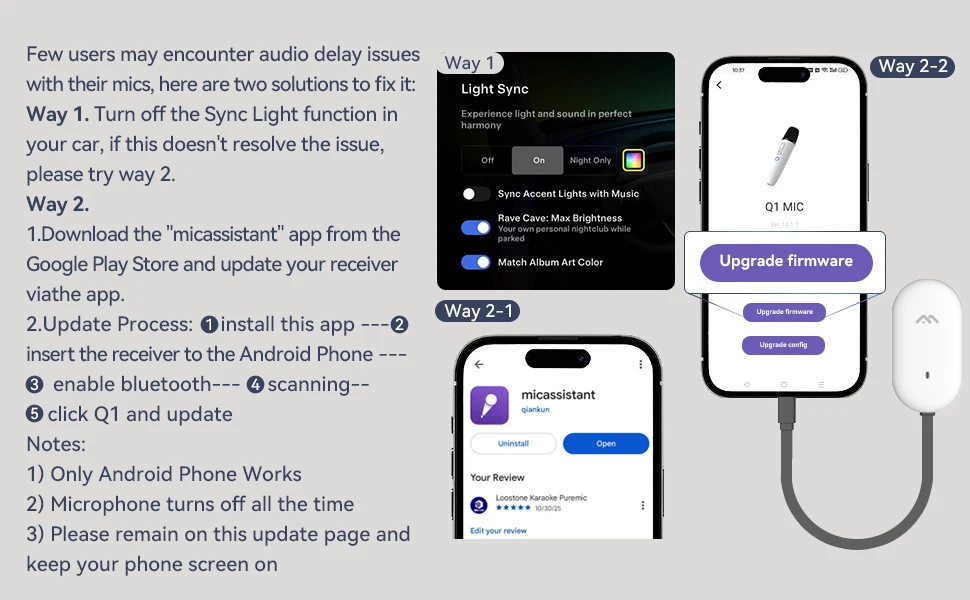
Step 1
With the receiver plugged in and the microphone is off state, long press the "Voice Key" and "Power Key" simultaneously for more than 8 seconds, the microphone indicator light flashes, into the pairing state (microphone close to the receiver within half a mete, there should be no obstructions between them)
Step 2
Re-plug the receiver and wait for the receiver indicator light blinks fast
Step 3
When the receiver light is flashing, press the "Power Key" and "Voice Key" at the same time to exit the pairing mode. At this time, the microphone indicator light stays on, and the receiver indicator light stays on to indicate that the pairing is complete.
Method for Pairing Dual Microphones
Step 1
With the receiver plugged in and the microphone is off state, long press the "Volume+Key" and "Power Key" simultaneously of one microphone for more than 8 seconds, the mice indicator light flashes, into the pairing state
Step 2
The other microphone in the off state, at the same time long press "Volume- Key" and "Power Key" simultaneously for more than 8 seconds, the mic indicator light flashes, into the pairing mode (microphone close to the receiver within half a met, there should be no obstructions between them)
Step 3
Re-plug the receiver and wait for the receiver indicator light blinks fast
Step 4
Press the microphone in Step 1, and press the "Voice Key" and "Power Key" at the same time to exit the pairing mode; The same method as above for the microphone in Step 2
Step 5
If both microphones and receiver indicators are stay on, the pairing is complete and you can use it normally.
Shipping Policy
At Mysa World, we are committed to delivering your orders quickly, safely, and efficiently across the United Kingdom.
Order Processing Time
All orders are processed within 3–5 business days from the date of purchase.
- Orders are processed Monday to Friday (excluding public holidays).
- Orders placed on weekends or holidays begin processing the next business day.
- Processing times may be extended during peak seasons, promotions, or sales events.
Once dispatched, you'll receive a shipping confirmation email with tracking details (where applicable).
Shipping & Delivery Time
Estimated UK delivery: 5–10 business days after dispatch.
Delivery times may vary due to:
- Courier delays
- Weather conditions
- High shipping volumes
- Remote delivery locations
Shipping Coverage
We currently ship throughout the United Kingdom, including:
- England
- Scotland
- Wales
- Northern Ireland
International shipping is not currently available unless stated otherwise on specific product listings.
Shipping Charges
Shipping charges (where applicable) are calculated at checkout based on:
- Delivery location
- Product size and weight
- Promotional free shipping offers
We may occasionally offer free shipping promotions, which will be clearly advertised on our website.
Order Tracking
Once shipped, you'll receive:
- Courier details
- Tracking number
- Shipment tracking link
Please allow 24–48 hours for tracking updates to appear.
Delivery Delays
Delays may occur due to circumstances beyond our control, including:
- Courier disruptions
- Security or customs checks
- Severe weather conditions
- Incorrect customer delivery details
While Mysa World is not liable for courier-related delays, we will assist in tracking and resolving shipment issues whenever possible.
Incorrect Address Information
Customers are responsible for providing accurate shipping details.
- Deliveries may be delayed or returned if incorrect information is supplied.
- Additional shipping fees may apply for re-dispatch.
- Address changes cannot be guaranteed after dispatch.
Lost or Damaged Shipments
If your order is lost or arrives damaged:
- Contact us within 48 hours of delivery.
- Provide your order number and supporting photos.
- Our team will investigate with the courier.
Depending on the outcome, we may provide:
- Replacement shipment
- Store credit
- Refund
Contact Us
Mysa World
Email: support@mysaworld.co.uk
Website: www.mysaworld.co.uk


